Every second counts. Studies show that a 1-second delay in page load time can reduce
conversions by 7%. If your WordPress site takes 5+ seconds to load, literally watching
potential customers walk away and your revenue disappear.
The good news? You can fix this without sacrificing user experience. Here’s how.
1. Install a Cache Plugin (Non-Negotiable)
Why it matters: Caching stores static versions of your pages, reducing server load by up to
80%.
Best options:
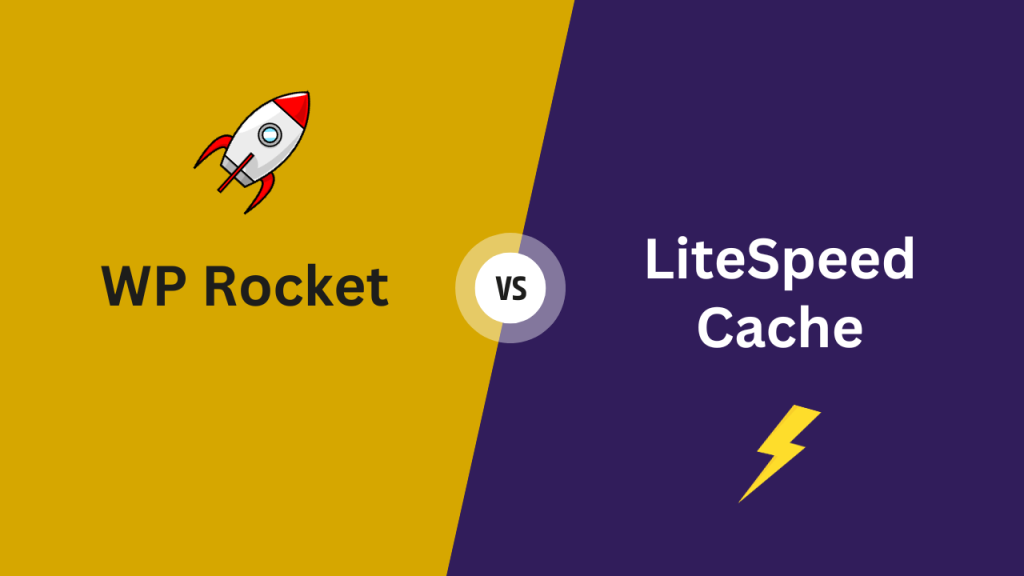
LiteSpeed Cache – Most powerful, completely free, packed with advanced features
WP Rocket – Premium option, perfect balance of power and simplicity
Action: Install one today. LiteSpeed works best with LiteSpeed servers. WP Rocket works
everywhere.
2. Compress Images Ruthlessly
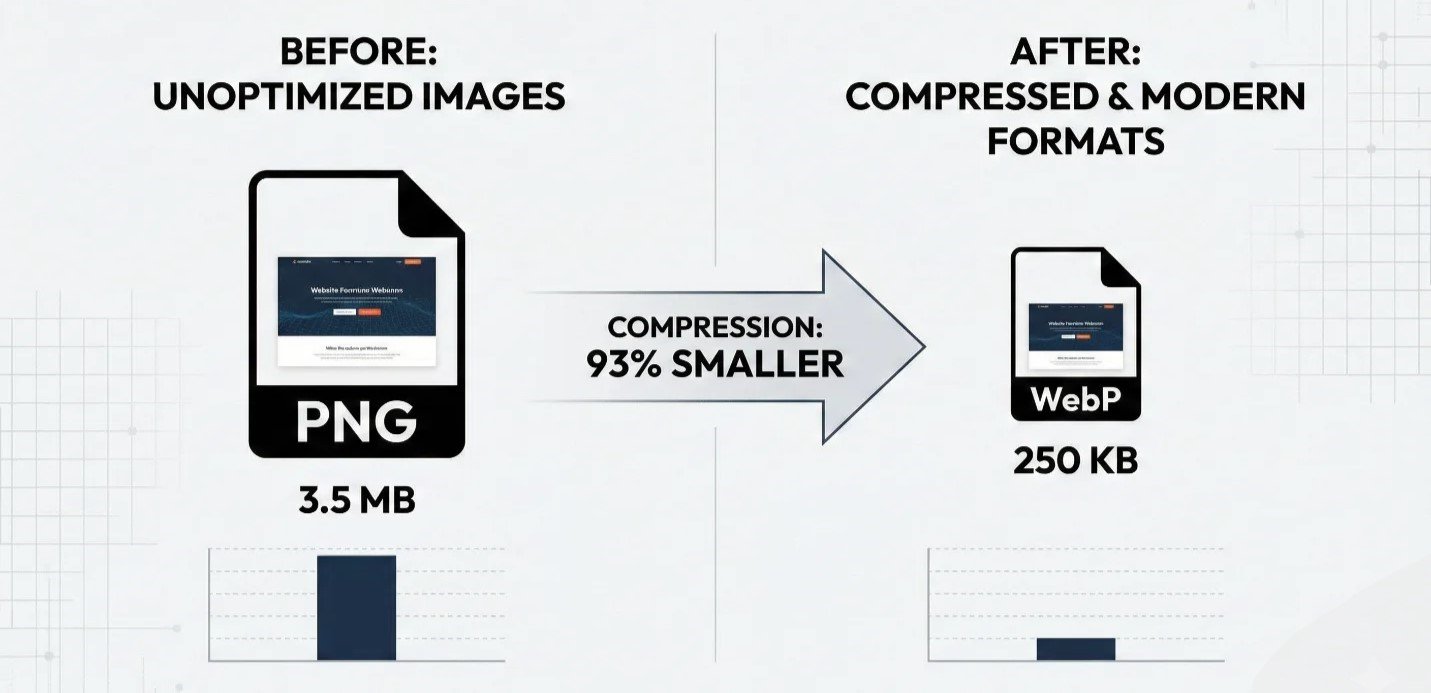
The problem: Uncompressed images are the #1 speed killer. A single 3MB PNG can destroy your load time.
The solution:
- Use WebP format instead of JPEG/PNG (90% smaller, same quality)
- Use SVG for logos and icons
- Install Imagify to auto-compress existing images in bulk
Action: Compress all images before uploading. Set up Imagify to handle the rest automatically.
3. Never Host Videos Locally
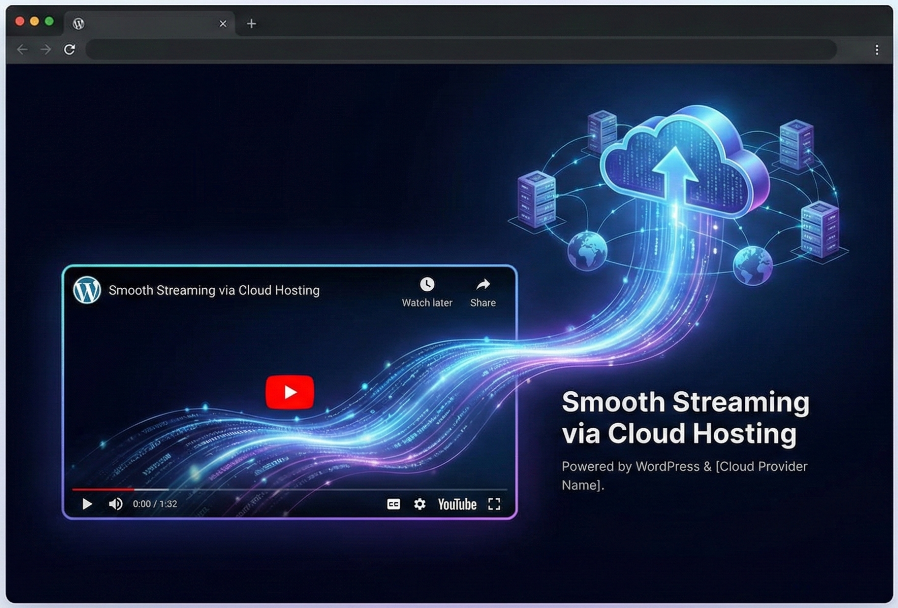
Here’s the truth: Video files will crash your hosting bandwidth and slow everything down.
Smart alternative: Embed from YouTube or Vimeo. They handle the heavy lifting.
Bonus tips:
- Ditch heavy GIFs use Lottie animations instead (10x lighter)
- Minimize CSS/JavaScript animations
- Upgrade your hosting if you’re on bargain-basement shared hosting
4. Optimize Your Code
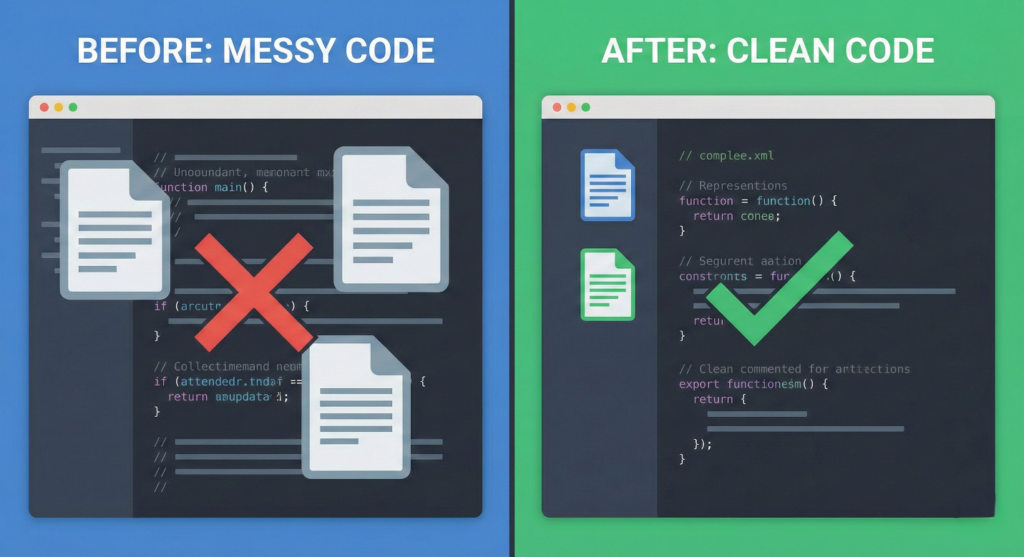
The bloat is real: Unused CSS, messy JavaScript, and redundant plugins slow you down.
Quick wins:
- Remove unused plugins and themes
- Minify CSS/JavaScript (LiteSpeed/WP Rocket does this automatically)
- Use lazy loading for images below the fold
5. Use a CDN Strategically
What’s a CDN? A Content Delivery Network stores your site on servers worldwide, delivering content from the location closest to your visitor.
The strategy: Choose a CDN server near your target audience. If 80% of users are in the US, prioritize US servers.
Popular options: Cloudflare (free), BunnyCDN, StackPathLorem ipsum dolor sit amet, consectetur adipiscing elit. Ut elit tellus, luctus nec ullamcorper mattis, pulvinar dapibus leo.
The Bottom Line
Speed = Revenue. Every optimization you make compounds into faster load times, better user experience, and higher conversions.
Start today:
- Install LiteSpeed Cache or WP Rocket
- Compress all images (use Imagify)
- Move videos to YouTube
- Clean up your code
- Set up a CDN
Your competitors aren’twaiting. Why should you?